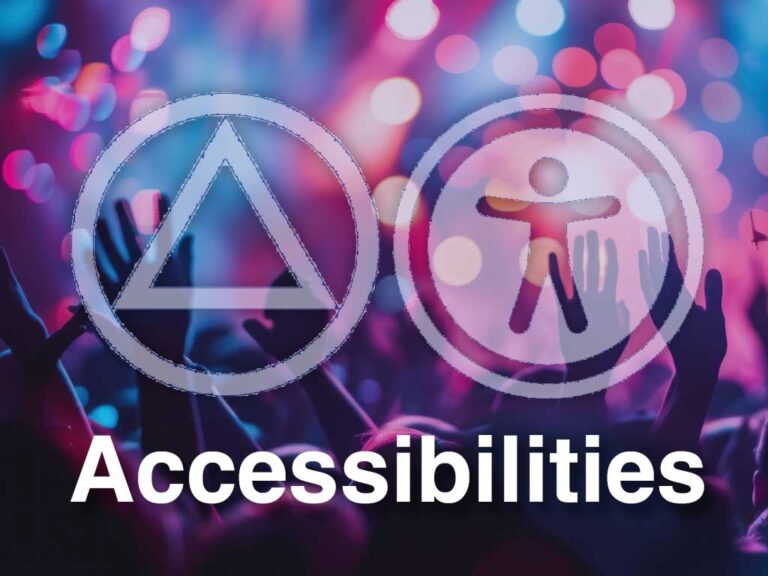
The Accessibilities Category covers discussions about accessibility in AA — focusing on how to eliminate barriers to participation in AA meetings and improve access to AA resources. The goal is straightforward: every alcoholic who reaches out for help should find AA available to them, regardless of physical, sensory, mental, social, or technological limitations. Use this forum category to share experiences and connect with others doing this work.
Accessibilities Committees explore, develop, and offer resources to alcoholics facing significant barriers to AA participation. Simply put, these volunteer committees work to ensure AA reaches everyone who needs it. Barriers can be mental, physical, geographic, cultural, or other factors that vary among people.
Who the Accessibilities Category Serves
Specifically, committees focus on several populations. These include members who are blind or deaf, those with hearing or vision loss, the housebound or chronically ill, and those living with the effects of brain injury or stroke. Furthermore, committees reach members facing transportation barriers, social anxiety, or cultural challenges.
Committee Activities
In terms of activities, committees take direct action at every service level. Committees coordinate Accessibilities workshops at group, district, and area levels. They survey meetings for wheelchair accessibility and ASL interpretation, and add that information to local meeting lists. Additionally, they help arrange American Sign Language interpreters and record signed AA meetings for posting online or sharing with deaf members.
Technology
Beyond in-person access, committees also champion digital solutions. Virtual meetings have continued to grow since the pandemic, making AA more accessible to members facing transportation, scheduling, or safety barriers. Moreover, AA now offers literature in audio and ASL video formats.
Guidance
For guidance, GSO provides an Accessibilities Workbook and Kit containing pamphlets, guidelines, and order forms. Meanwhile, a dedicated GSO staff member answers questions and shares experience with local committees.
Working With Others
Collaboration matters equally. Committees work closely with Public Information and CPC committees to keep the public and agencies informed about AA’s accessibility efforts. Learn more about related organisations on the Related Organizations page.
Ultimately, the Accessibilities Category exists because AA should reach every alcoholic who asks for help — regardless of the barriers they face. Visit the Forum Categories page for an overview of all TIAA Forum discussion spaces.